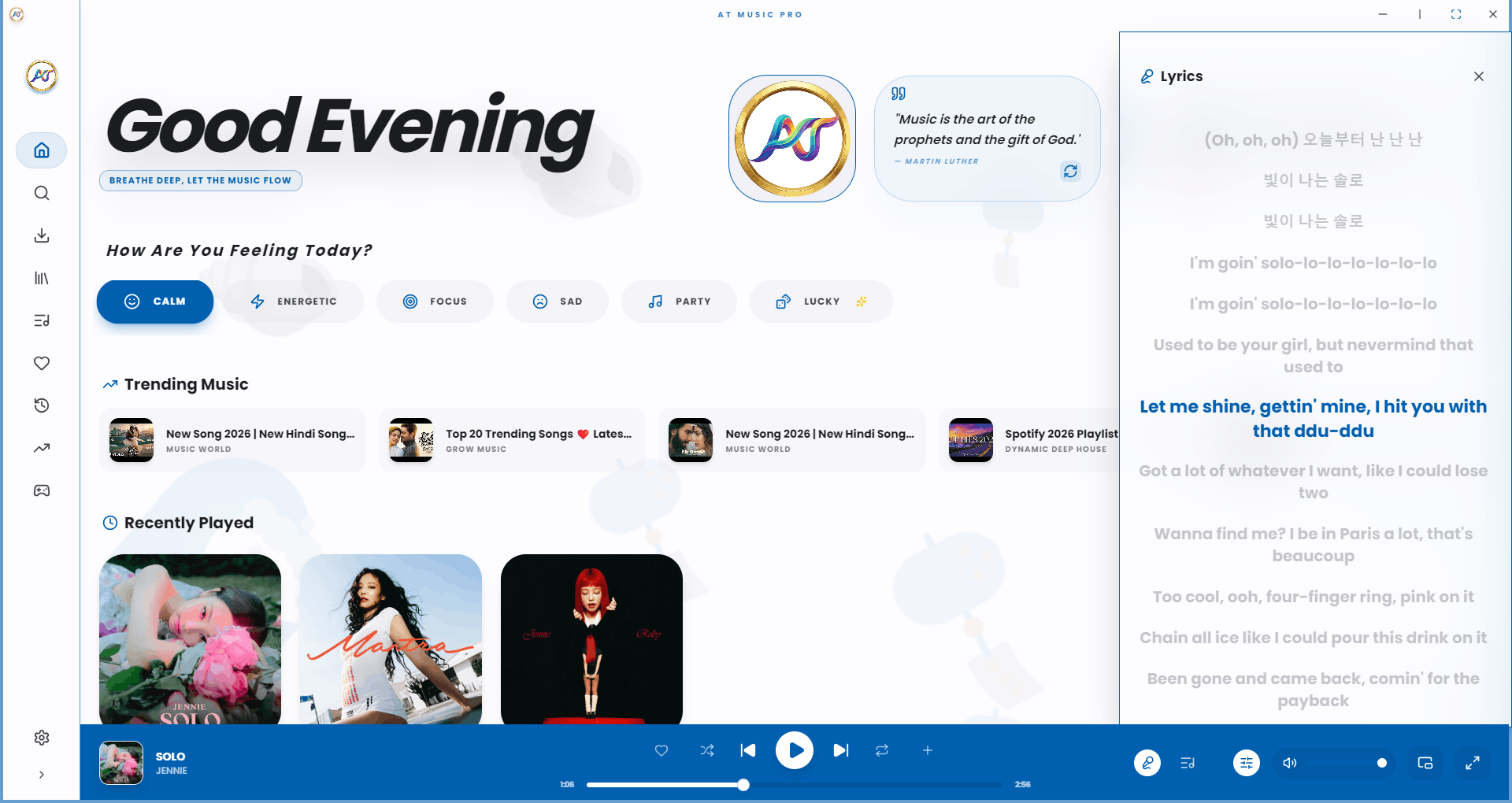
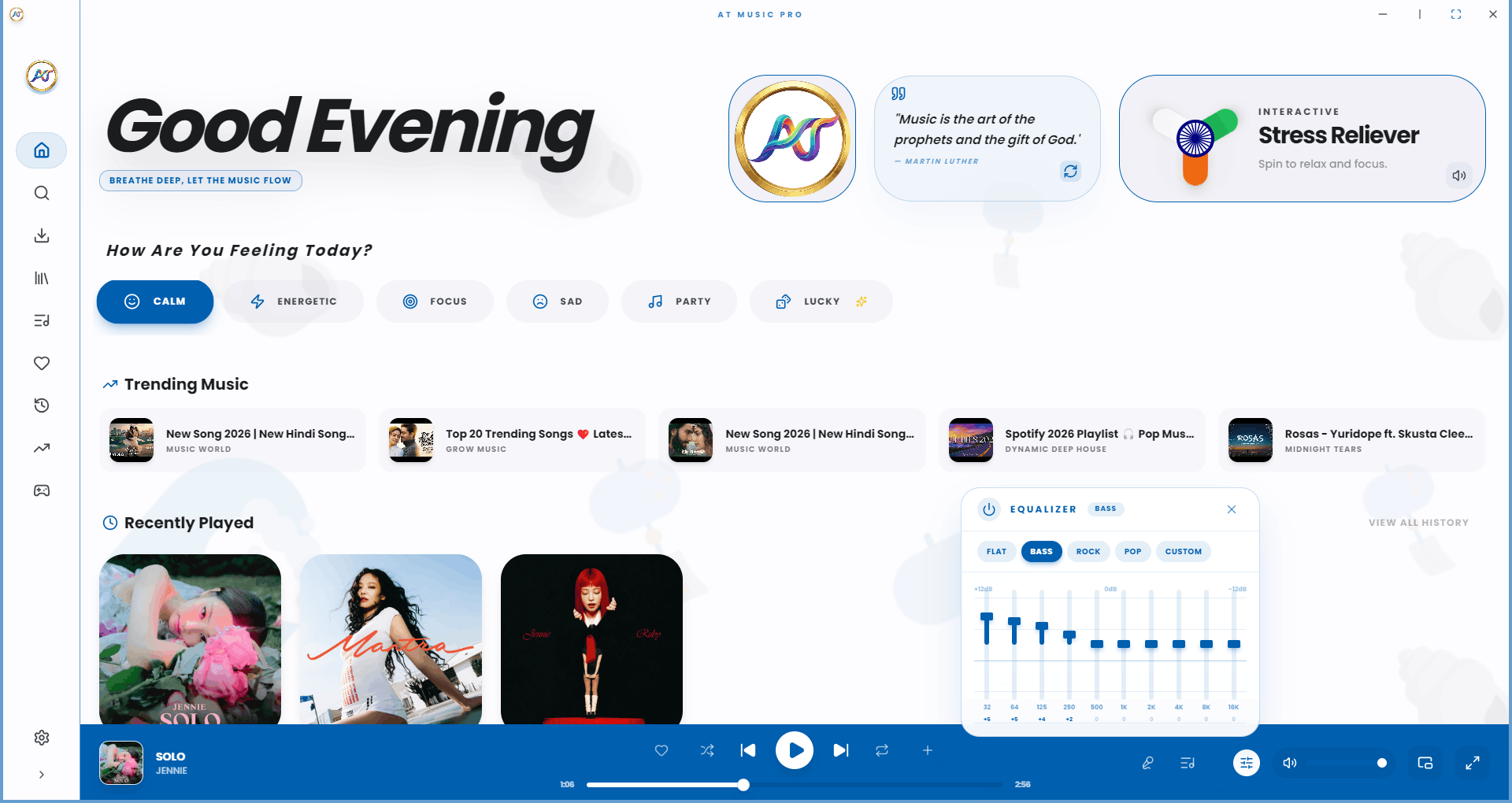
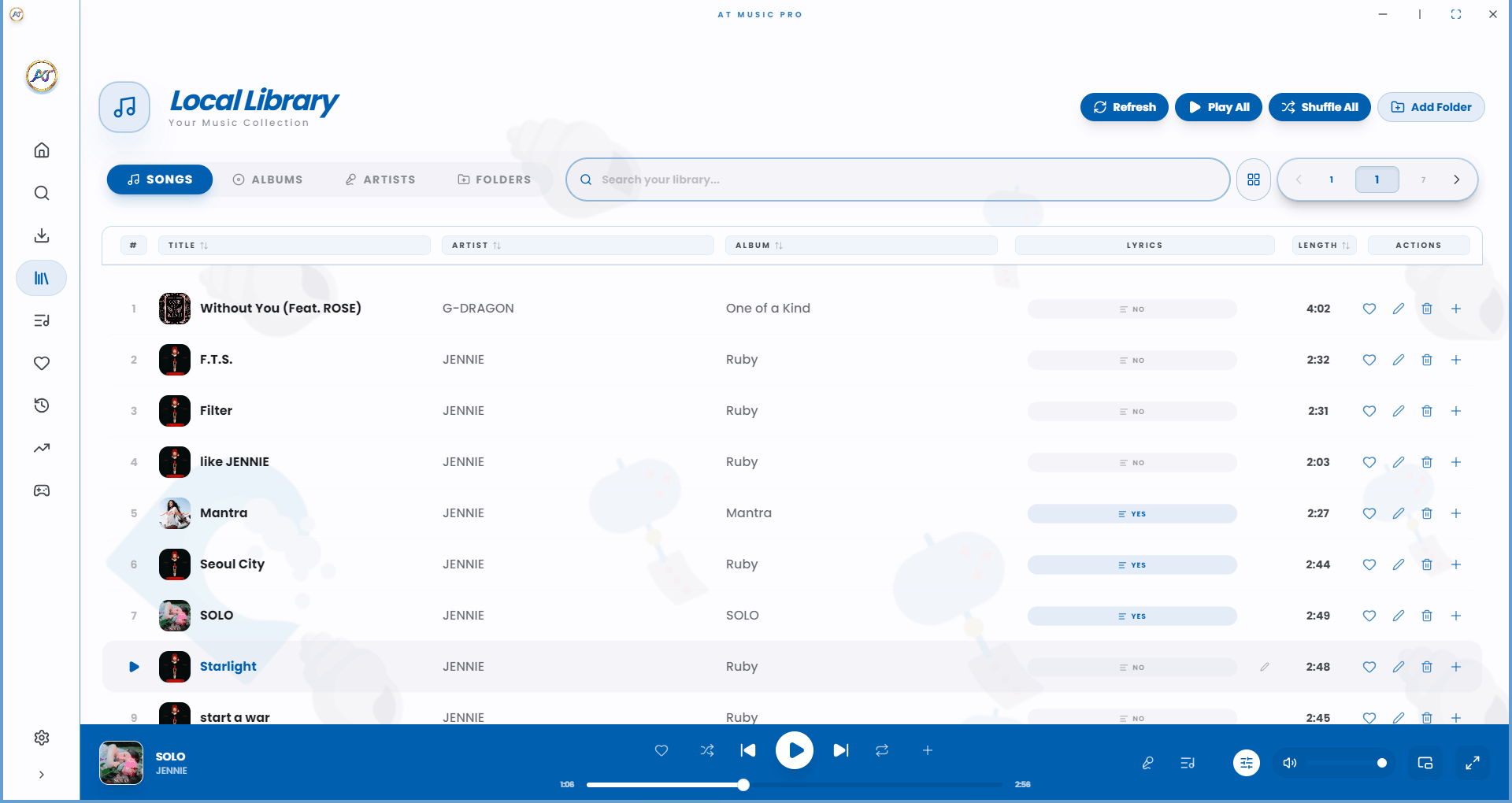
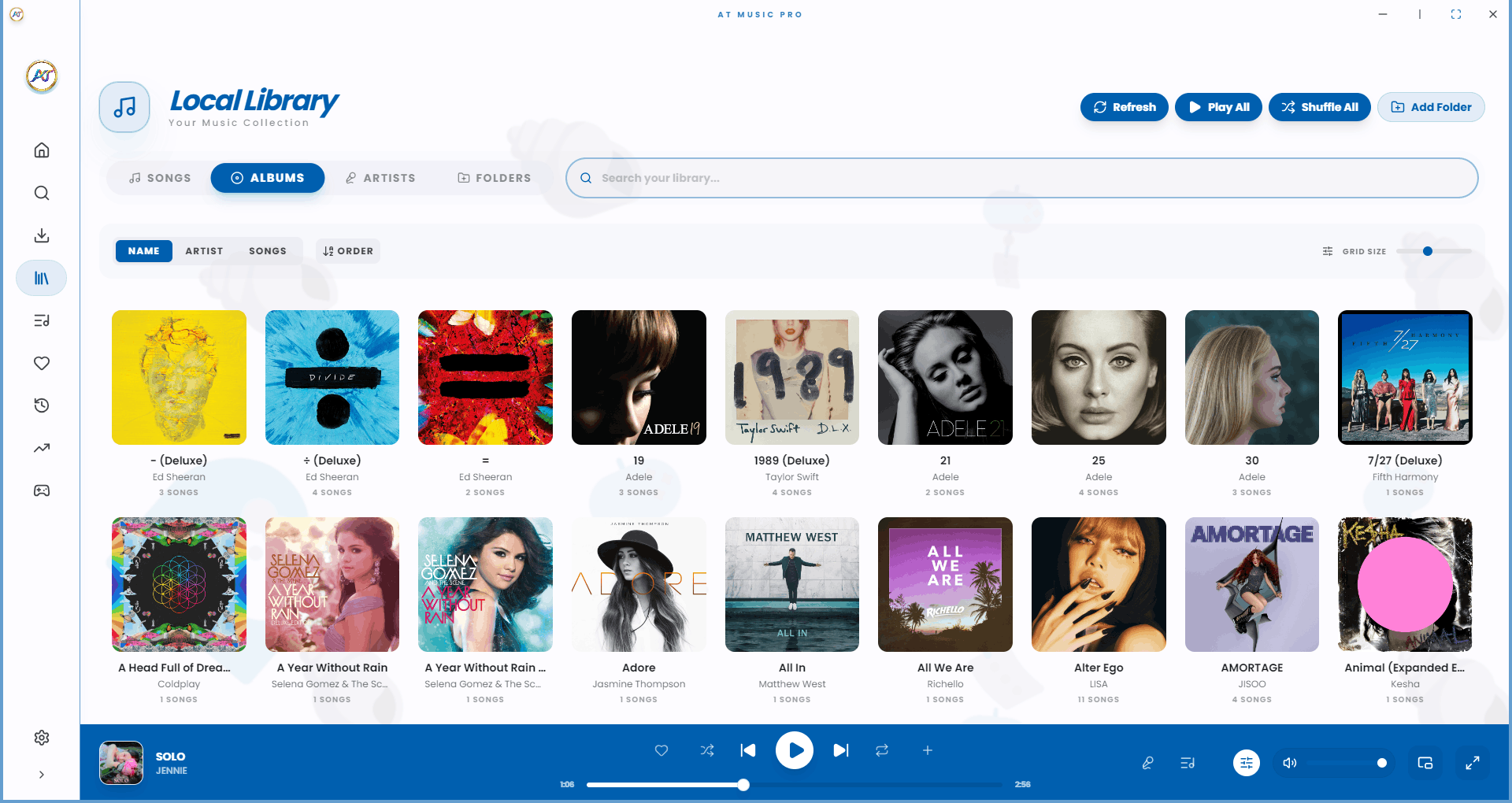
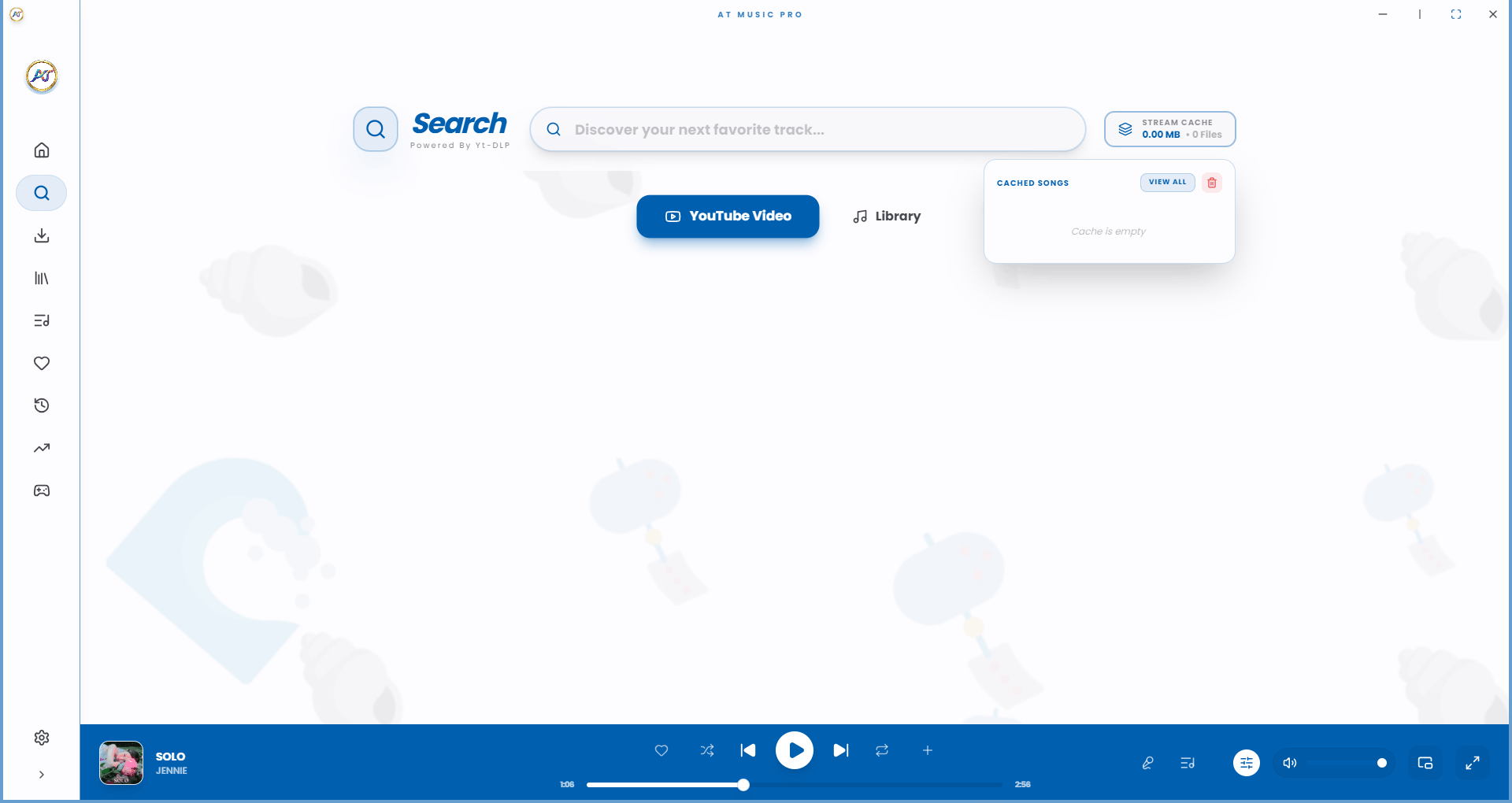
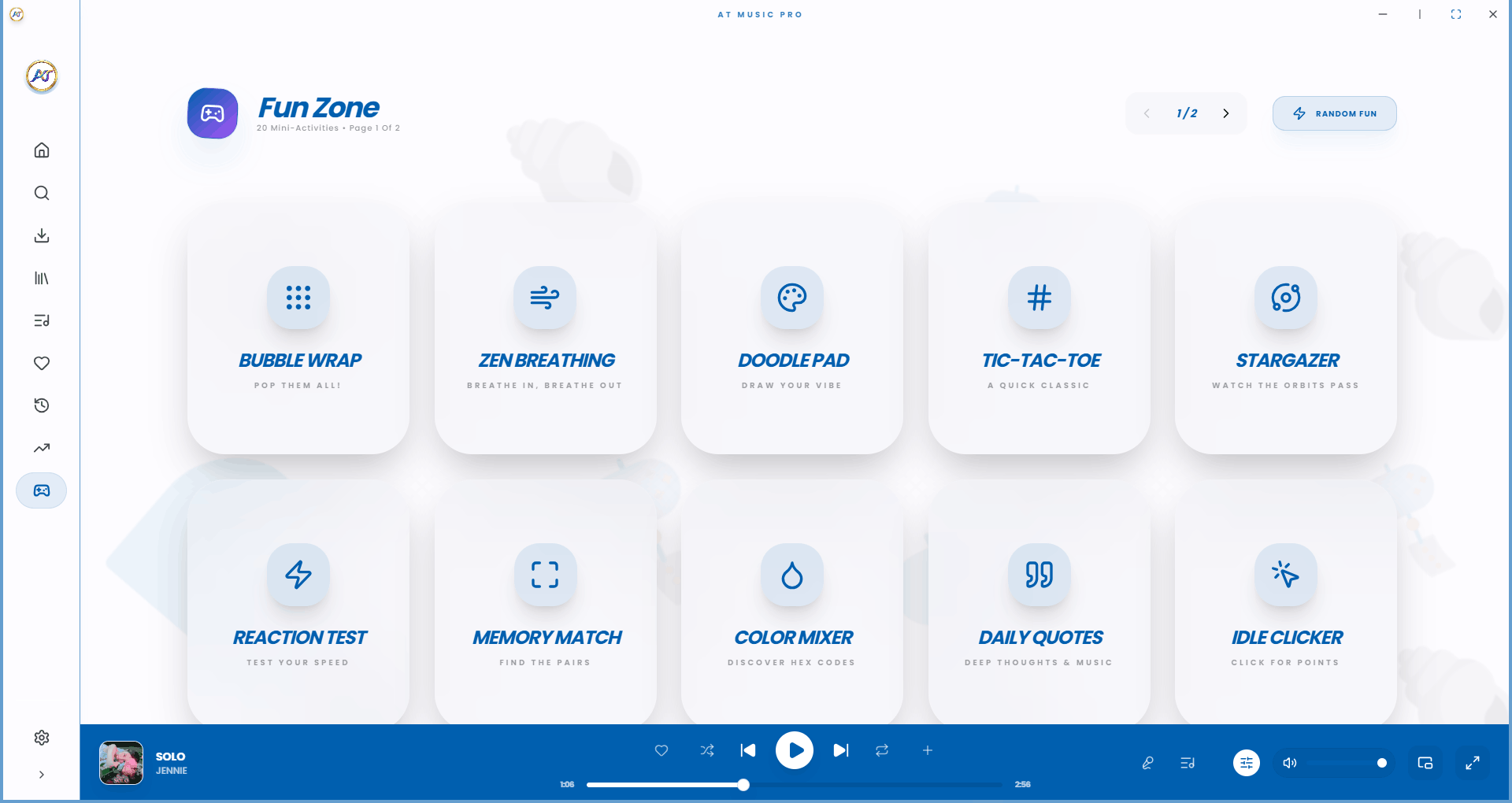
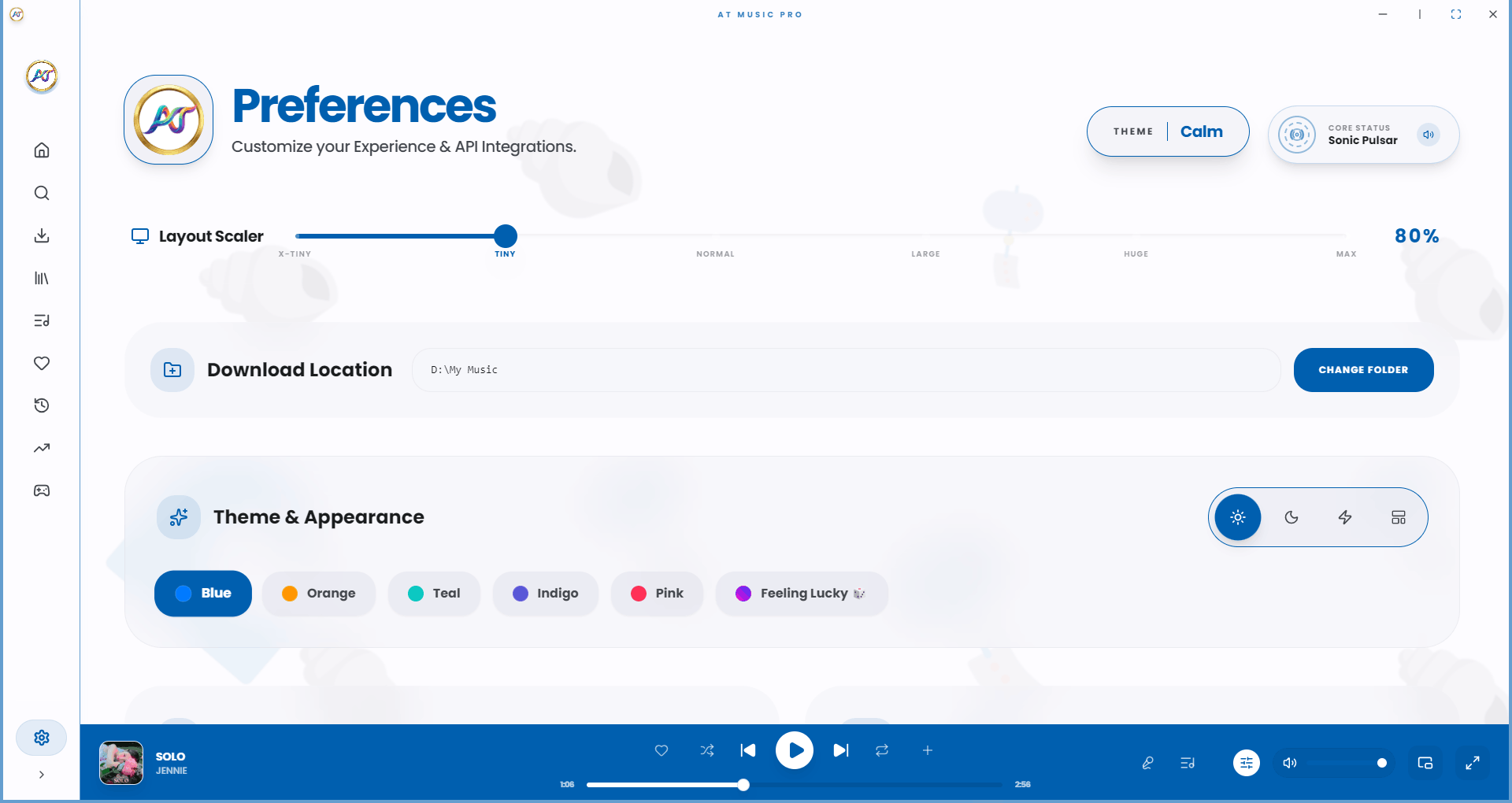
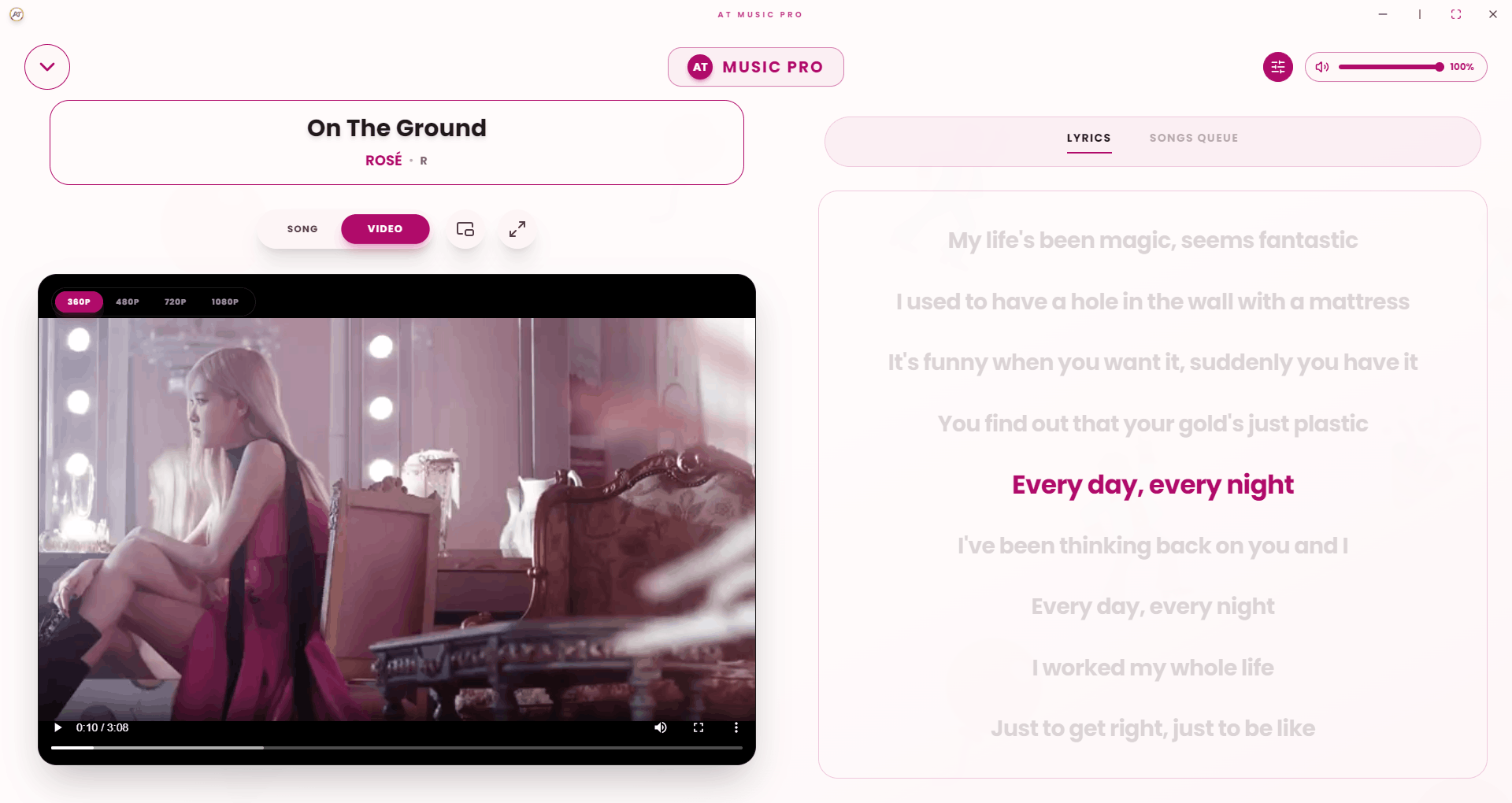
Built for audiophiles who demand both functionality and beauty. Local library scanning, YouTube streaming integration, synced lyrics, and more inside a fluid, responsive desktop environment.
To enable YouTube streaming and advanced media processing, AT Music Player Pro requires yt-dlp and ffmpeg to be installed globally on your system.
Install easily using Windows Package Manager (winget) via Command Prompt or PowerShell as Administrator.
winget install yt-dlp ffmpeg
The fastest way to install on macOS is using the Homebrew package manager from your terminal app.
brew install yt-dlp ffmpeg
Use your distribution's native package manager. This example uses APT for Debian/Ubuntu based systems:
sudo apt install yt-dlp ffmpeg
Instantly scan and organize thousands of files. Full support for MP3, FLAC, WAV, and OGG formats with lossless quality.
Stream audio directly from YouTube with intelligent webm/opus caching for royalty-free, lightning-fast media handling.
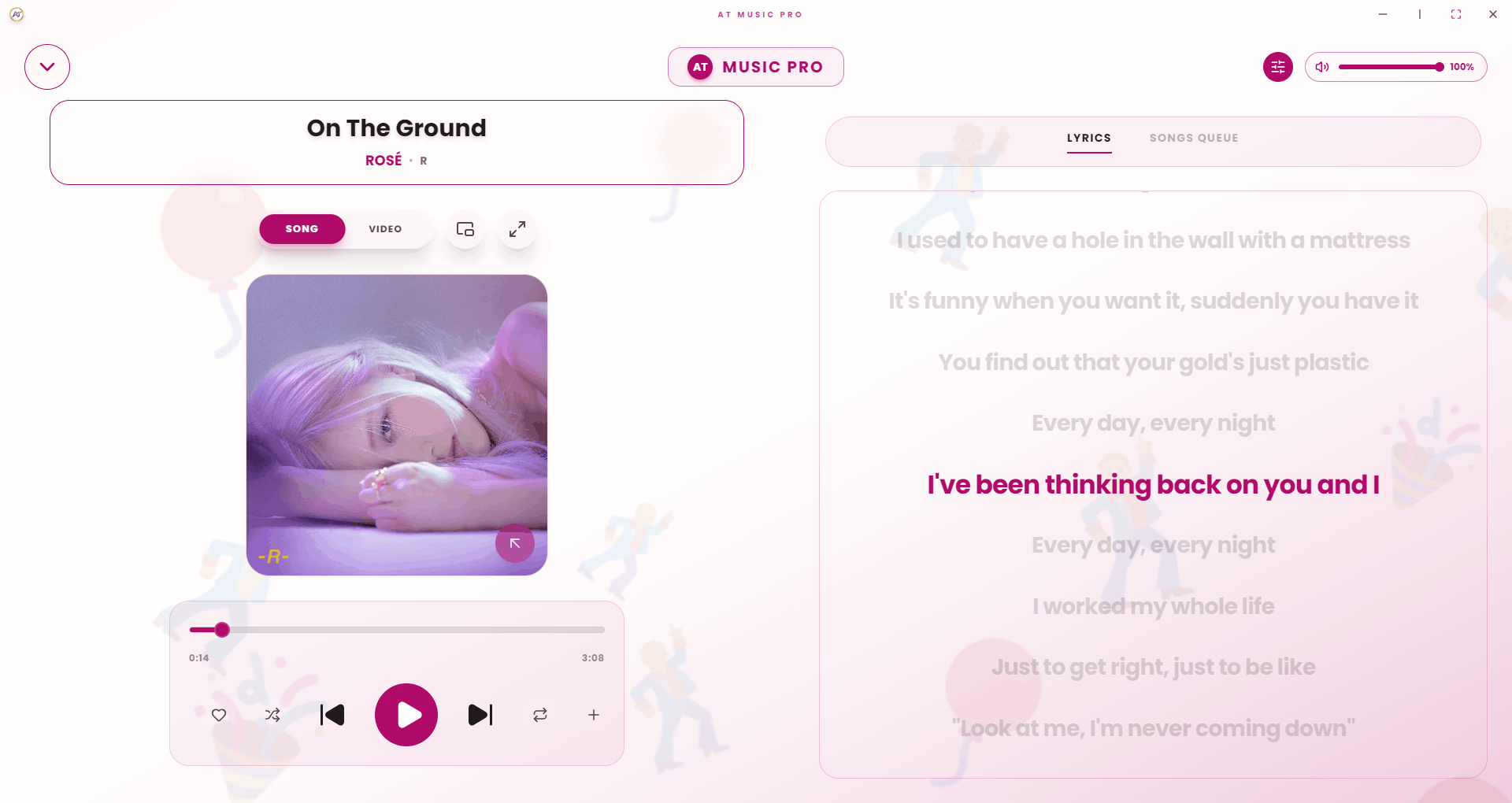
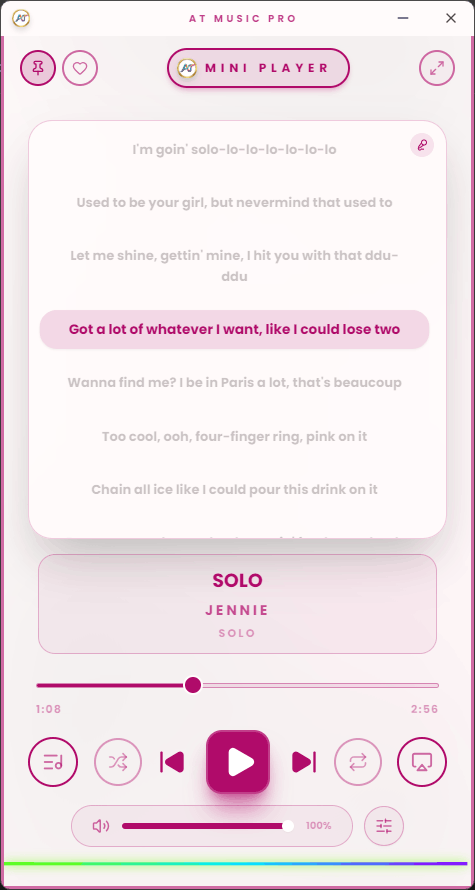
Sing along with perfectly timed, real-time synced lyrics powered by the LRCLib API integration.
Seamlessly scrobble your listening history to Last.fm and fetch rich metadata through our Spotify API integration.
A consistent, beautiful desktop environment built on Electron 30. Fully supports Linux and Windows natively.
Component-based UI built with React 18, Vite 5, and Tailwind CSS guarantees zero lag and a butter-smooth experience.
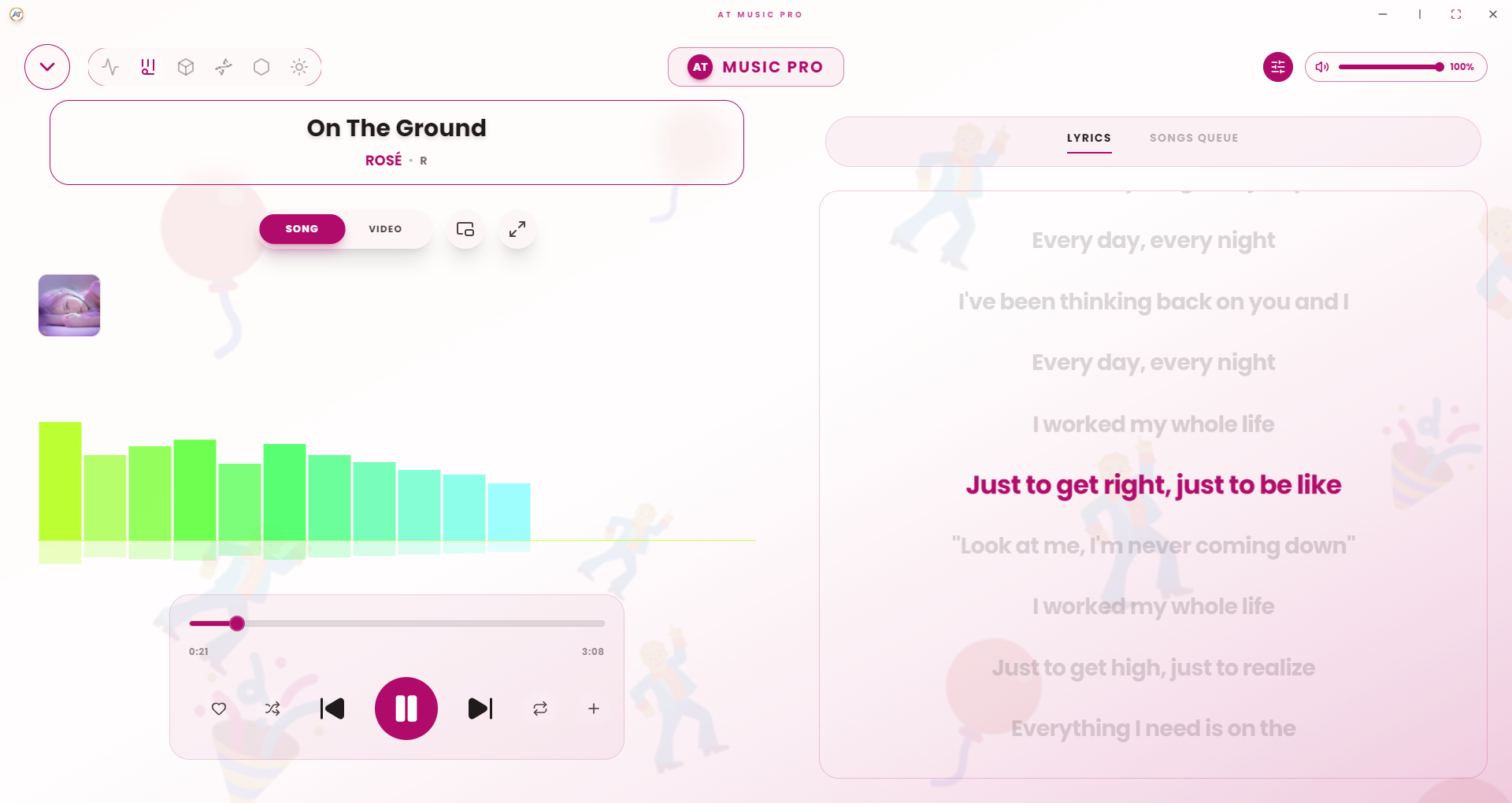
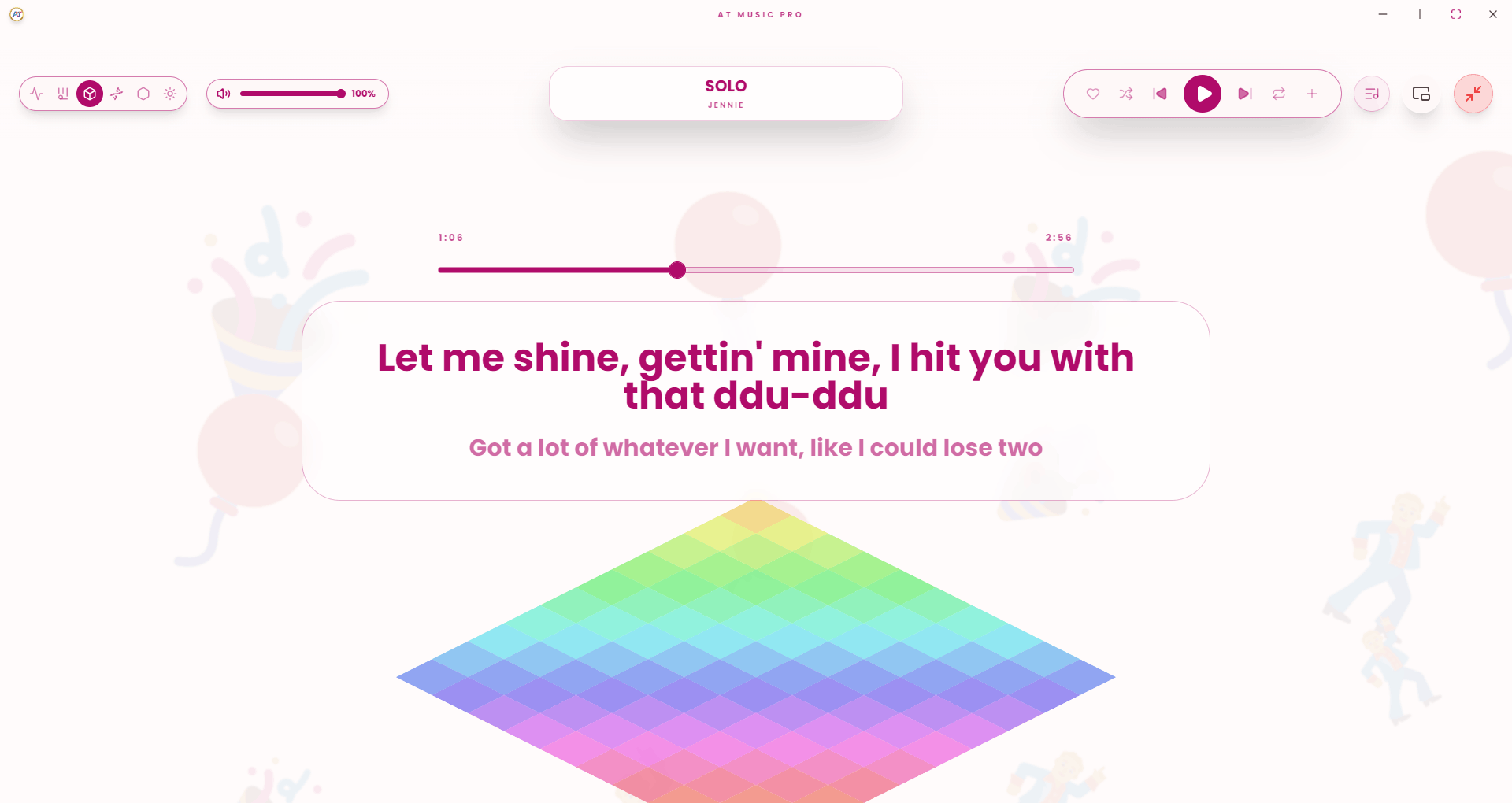
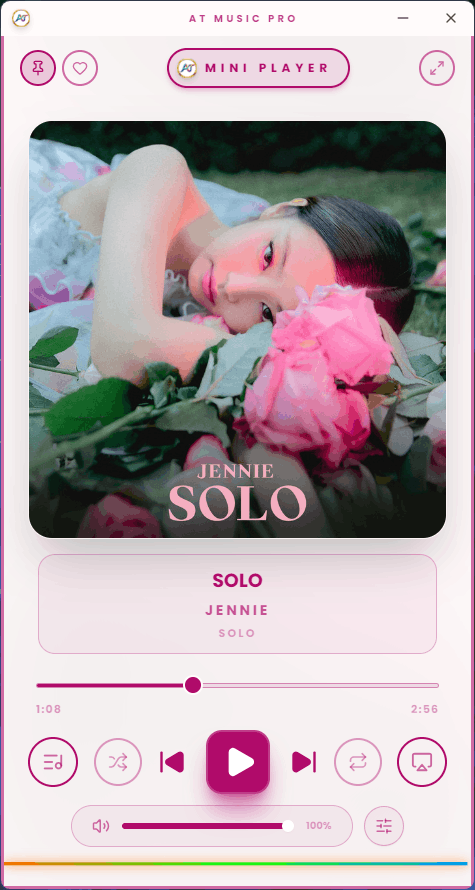
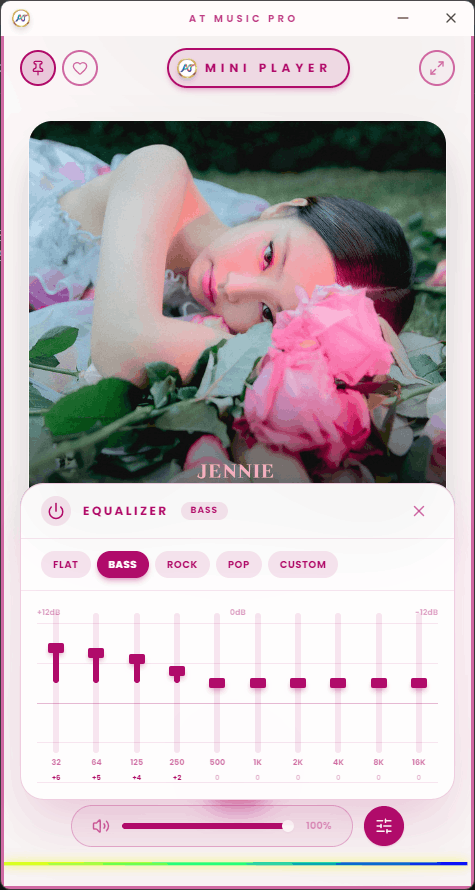
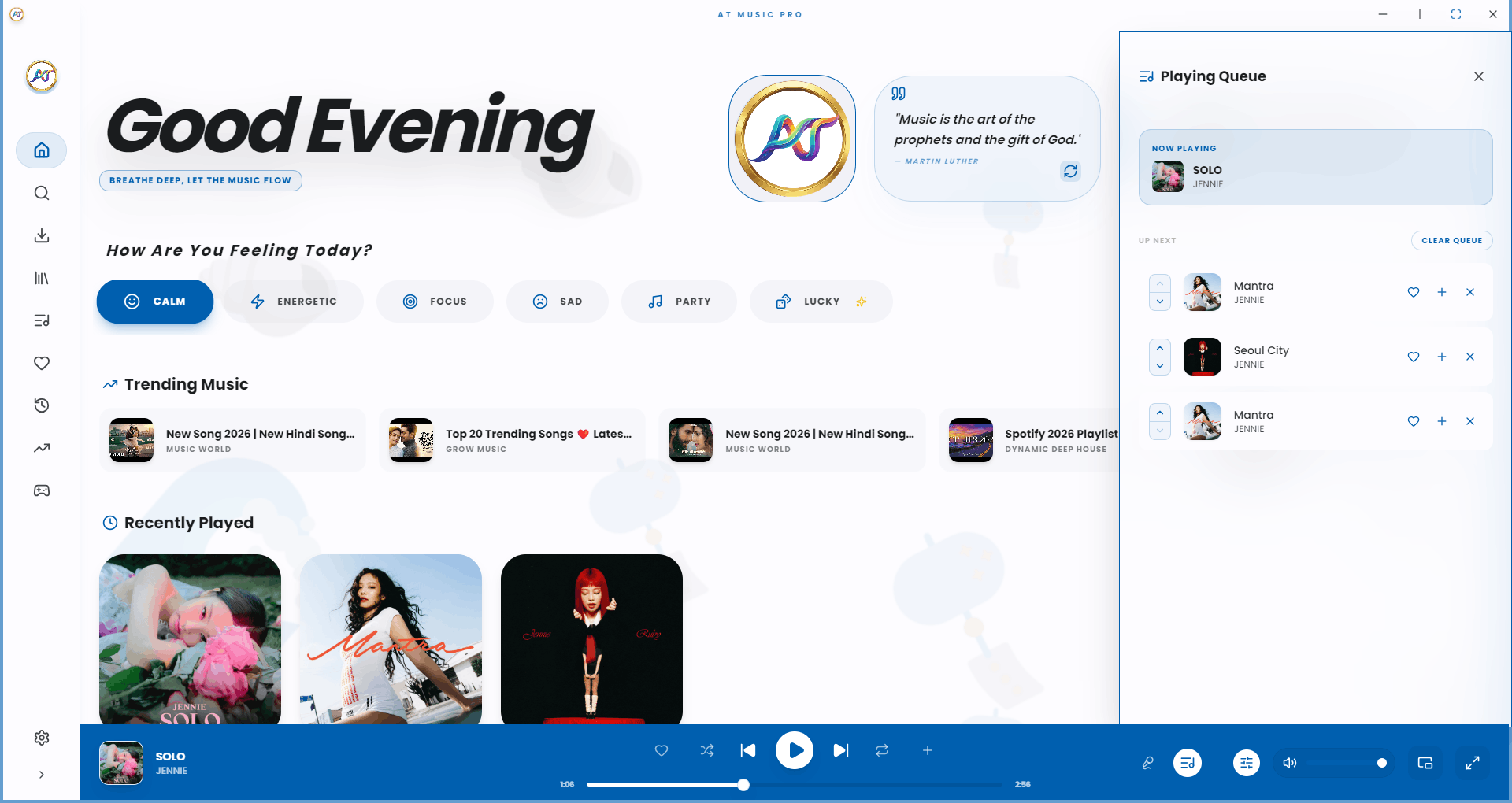
Take a peek inside the beautiful UI of AT Music Player Pro.
Successfully compiled and tested major Linux builds including AppImage, .deb, snap, and .tar.gz.
Resolved lint errors, updated configurations, and cleaned up architecture for a smoother production release.
Redesigned the repository README and added comprehensive technology credits.
Available free for all major operating systems.